01 / YOUR SPACE
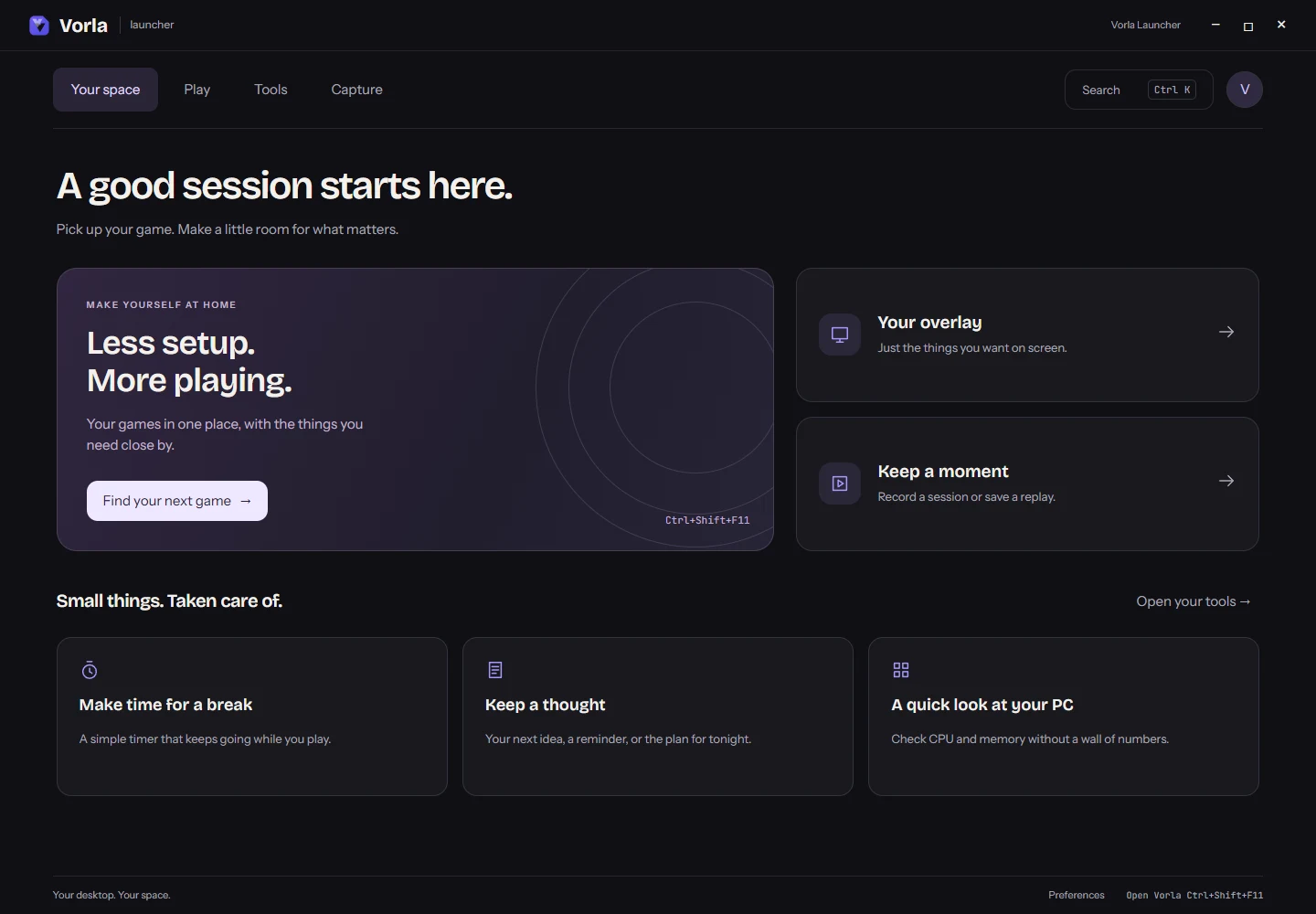
A good session starts here.
Your next game, your overlay and a quick way to capture a moment. A quiet home screen with a clear next step.
MEET THE NEW VORLA LAUNCHER
A calmer home for your games, tools and captures. Vorla Launcher for Windows brings the everyday essentials together, with the complete toolbox a click away.
Windows 10 & 11 · Your existing account works · Default hotkey CtrlShiftL
LESS SETUP. MORE PLAYING.
Four clear spaces for the things you do most. The depth is there when you need it.
01 / YOUR SPACE
Your next game, your overlay and a quick way to capture a moment. A quiet home screen with a clear next step.
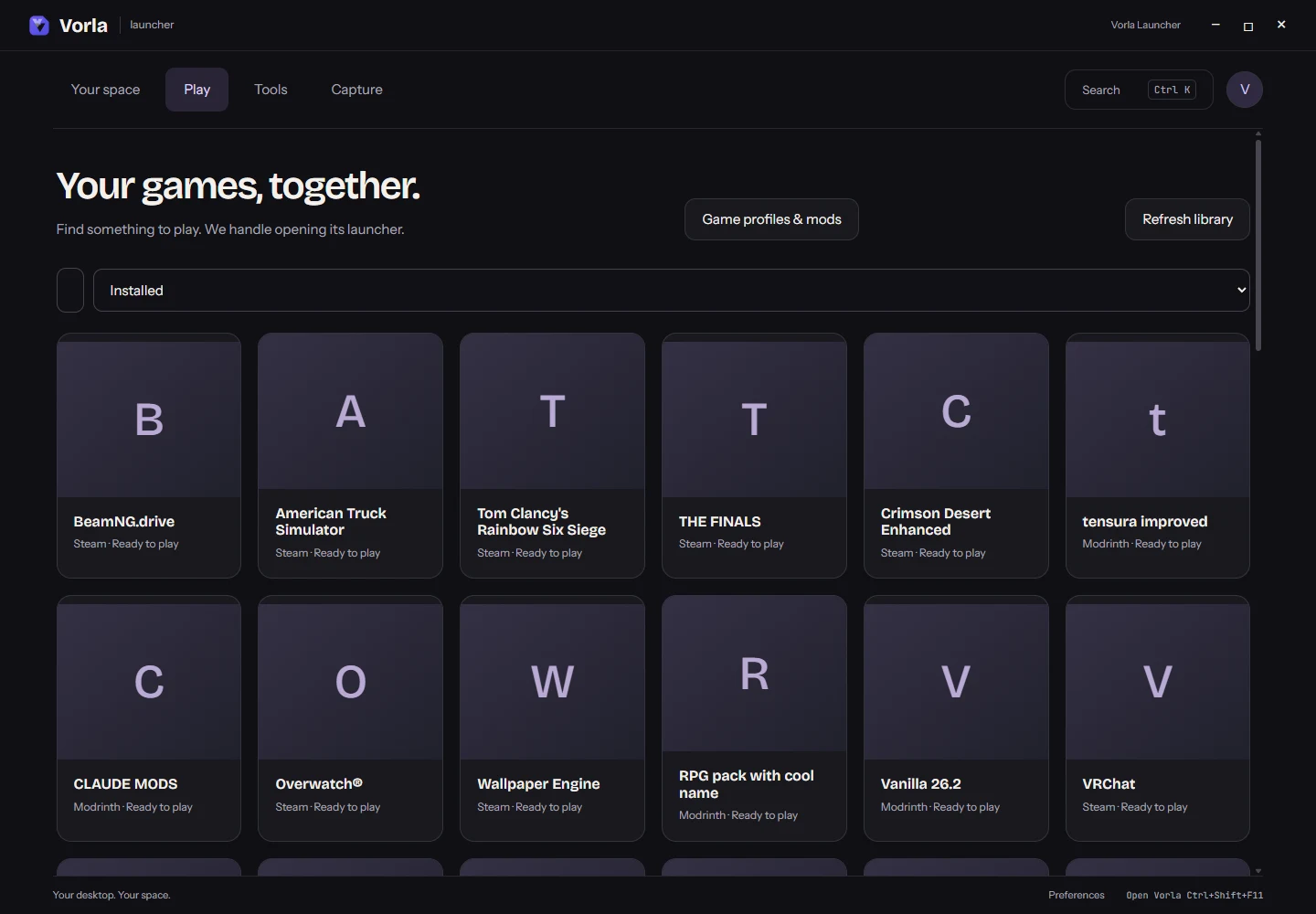
02 / PLAY
Find installed games, search across launchers and keep favourites close. Choose a game and Launcher opens it for you.
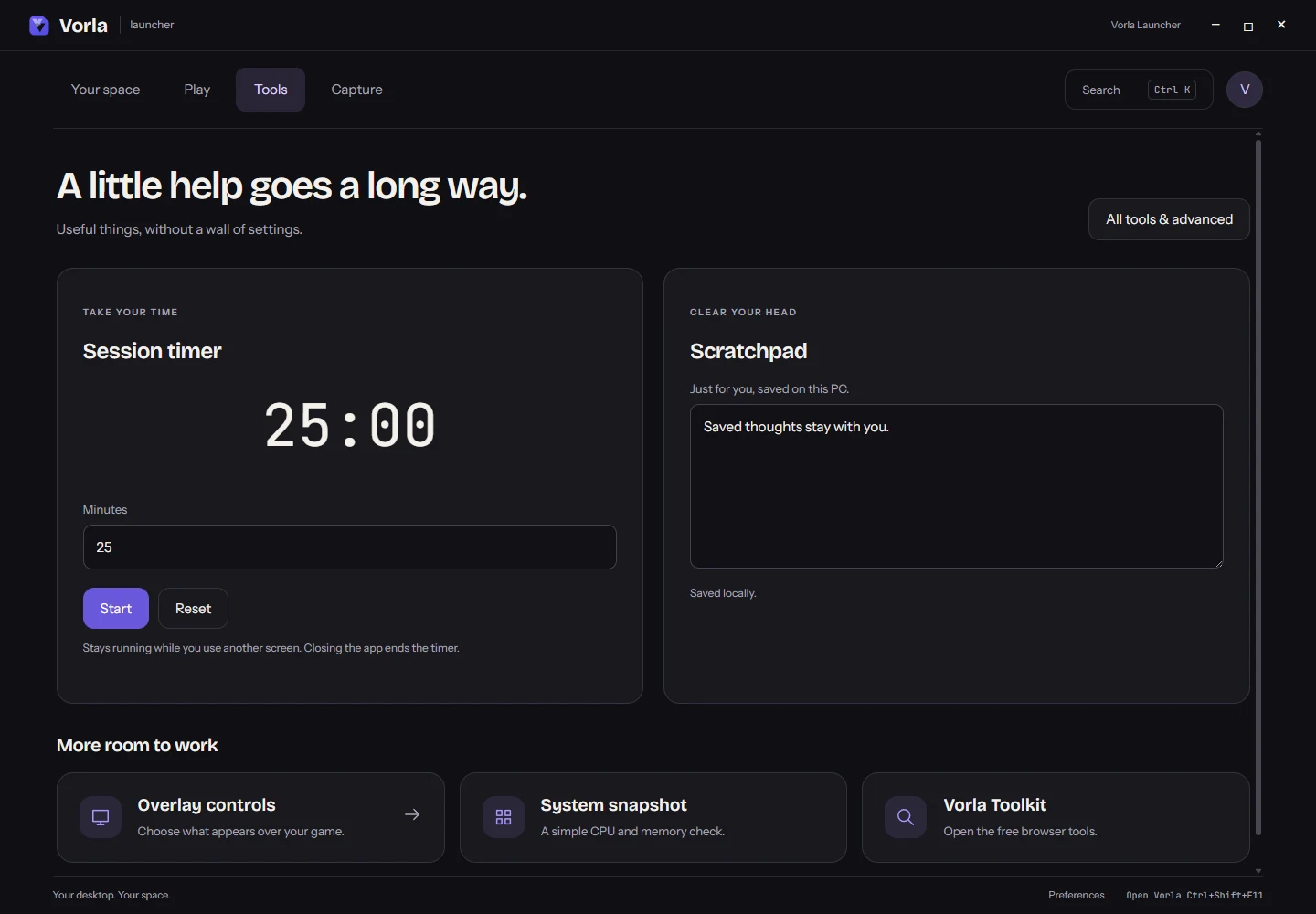
03 / TOOLS
Write down a thought, set a session timer or check your PC. Open All tools & advanced for the complete toolbox, mods and game profiles.
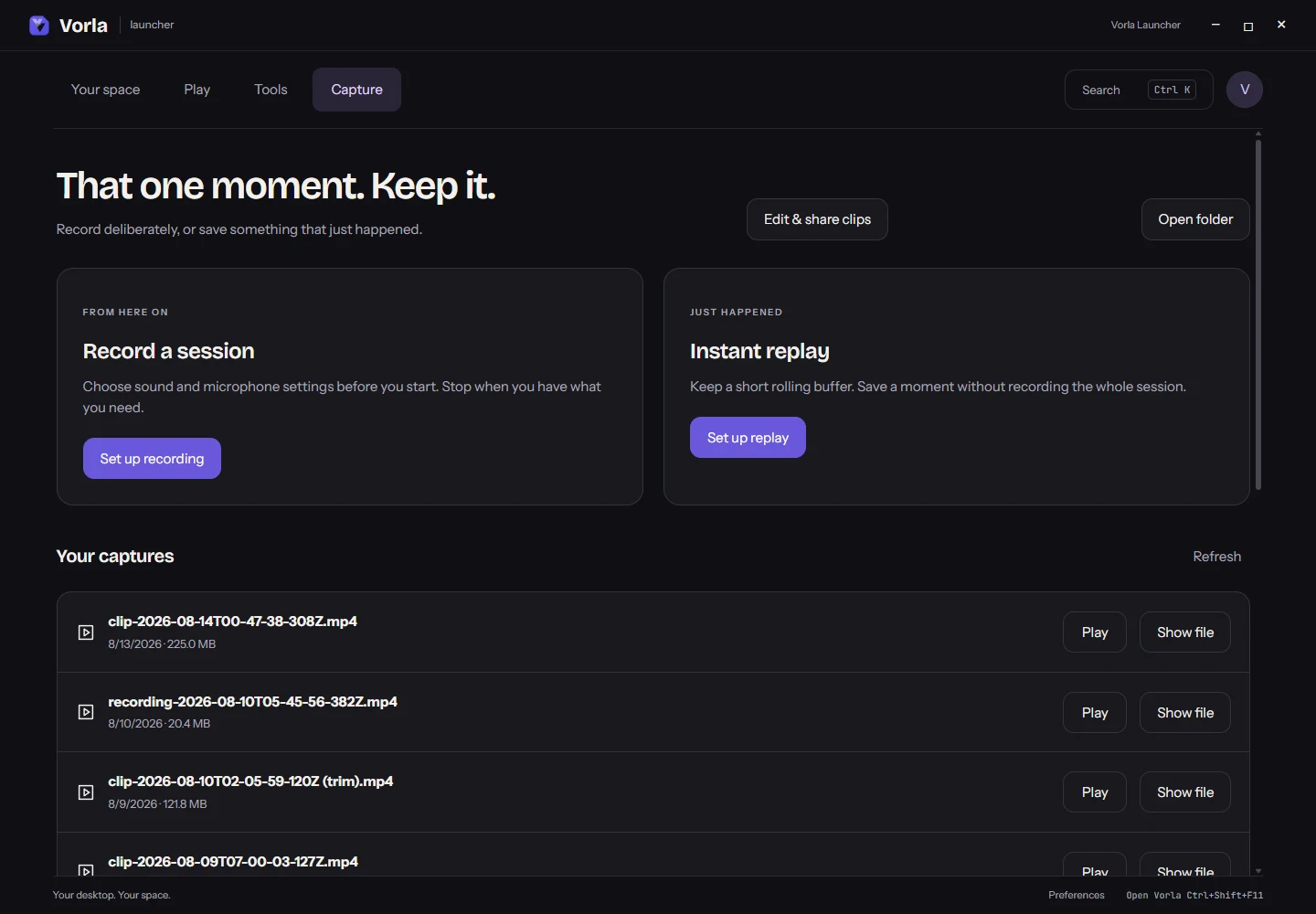
04 / CAPTURE
Set up a recording or an instant replay. Review your sound and microphone settings before you start, then find your saved moments in one place.
FAMILIAR WHERE IT MATTERS
The full native toolbox is still here. All tools & advanced opens mods, profiles, scenes and the detailed controls.
Existing captures remain in their folder. Open, play and reveal a file from Capture, or use the advanced clip editor.
Sign in with Discord or your username and PIN. Existing Premium purchases and free access carry over.
VORLA PREMIUM
Unlock all 155 Launcher tools: 80 free, plus 75 Premium. Choose the payment that works for you.
$3.99per year
$0.33/mo, save 58%
$6.49once
14-day money-back guarantee, no questions.
Compare every featureGOOD TO KNOW
Yes. Start with a free account using Discord or a username and PIN. No email is required. Existing free tools stay free; Premium unlocks the paid tools.
Open All tools & advanced from Tools. The complete toolbox, mods, game profiles, themes, scenes and clip editor remain available. Your existing settings, purchases and captures stay with you.
Yes. Ctrl+Shift+L is the default shortcut to show or hide Launcher. You can change it in Preferences. Native overlays remain available over borderless and windowed games.
Windows 10 and 11. The installer is unsigned, so Windows may display a SmartScreen warning. There is no Mac or Linux build.
The Capture screen asks you to start a recording or enable replay. Microphone capture starts unchecked. Existing recording hotkeys and advanced automation settings remain available.
READY WHEN YOU ARE
Start free. Explore your space. Add Premium when you want more.
Read the release notes →